Logs & support
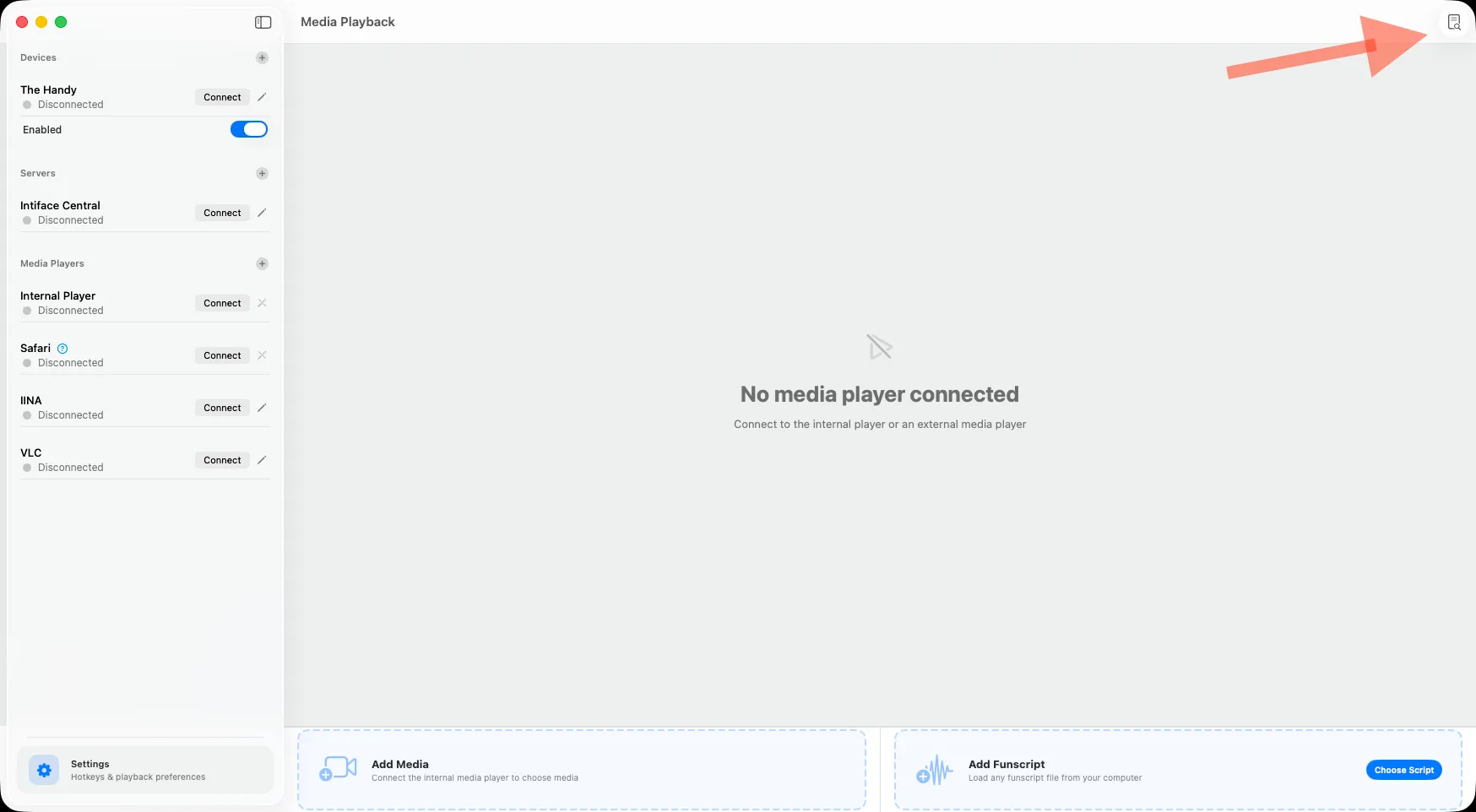
Click the Logs button in the toolbar. Located in the top-right corner in FunPlayer. The panel lists recent log files.
The logs are useful when asking for help. Click Reveal in Finder and attach FunPlayer.log.
It’s a good idea to review the logs to be comfortable with what you’re sharing online in general.
Visit our Contact Us page for contact details. Feel free to get in touch via email or Discord.